What is autocomplete and how does it boost e-commerce conversions?

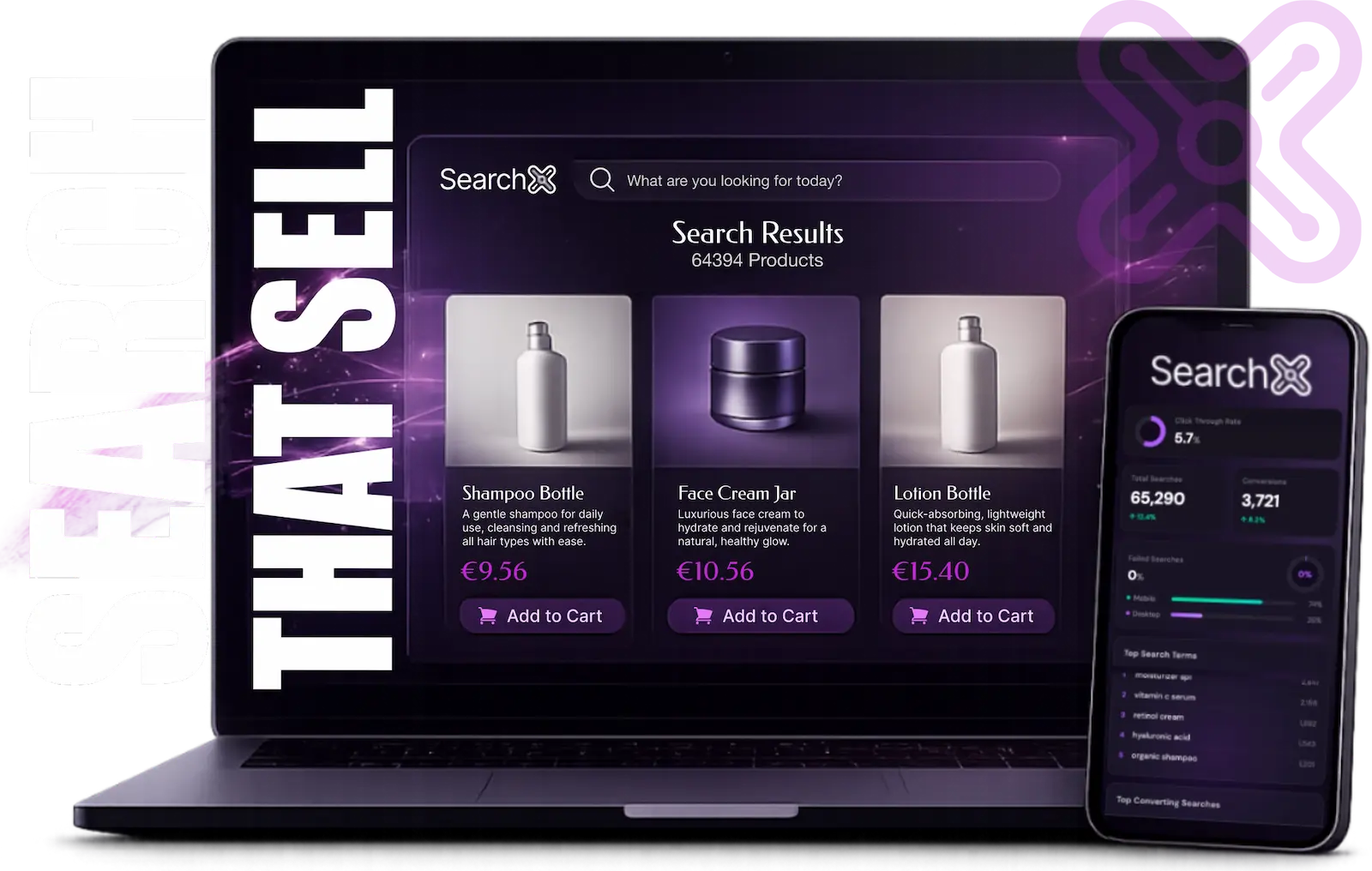
What is autocomplete?
Autocomplete (instant search) shows results while customers type. After 2-3 characters, products appear — no Enter key, no page reload. Results load in under 200ms.
Why it boosts conversions
Autocomplete delivers +24% higher conversions (Baymard, 2024) because:
Faster discovery: Type → see results instantly → click. No Enter key, no waiting.
Fewer typos: "adiddas" shows Adidas products before customer finishes typing. Learn how to reduce zero-result searches.
Better suggestions: Type "black sn" → see sneakers, sandals, snowboards. Discovers products they didn't think to search for.
Mobile-friendly: 3-4 letters show results. No need to type full query on slow mobile keyboards.
Autocomplete vs traditional search
| Traditional Search | Autocomplete Search |
|---|---|
| Type → hit Enter → wait | Type → see results instantly |
| No typo correction | Fixes typos in real time |
| No suggestions | Suggests related products |
| Mobile: slow (type full query) | Mobile: fast (3-4 letters) |
| Conversion rate: baseline | Conversion rate: +24% |
Example: Customer searches "wireless earbuds"
- Traditional search: Type 16 characters → hit Enter → wait 1-2 seconds → see results
- Autocomplete: Type 4-5 characters → see results instantly
Autocomplete saves 10-12 keystrokes and 1-2 seconds per search.
What makes autocomplete smart
Fast: Sub-200ms response. Any slower, customers notice the lag.
Relevant: Matches what customers type, uses AI ranking, not random products.
Context-aware: "nike" shows all Nike products, "nike shoes" narrows to shoes, "nike air max" shows only Air Max. Discover how AI search understands context.
Multi-modal: Shows top 3-5 products (with images), related searches, and categories. Multiple paths to discovery.
Do I need autocomplete?
Yes, if:
- You sell more than 50 products
- You have a search bar on your site
- Search users account for 20%+ of conversions
No, if:
- You sell fewer than 50 products (basic search is fine)
- Your site has no search bar (but you should add one)
How to check: Open your analytics and look at search usage. If 20%+ of conversions come from search users, autocomplete will boost revenue.
How to implement
Build yourself: 40-80 hours + ongoing maintenance. Full control but expensive.
Use search platform: SearchX (from €49/month), Algolia (€200-€800/month). 5-minute setup, no dev time, sub-50ms speed.
Use plugin: WooCommerce/OpenCart plugins. 2-8 hours setup. Slower, limited features.
Most stores use search platforms — zero dev time, immediate results.
Best practices
Show images: Visual autocomplete converts better. Include thumbnails for top 3-5 products.
Limit results: 3-5 products, 3-5 suggestions, 2-3 categories. More = paralysis.
Mobile-first: Full-screen dropdown, large tap targets, sub-200ms even on 3G.
Track usage: Monitor which suggestions get clicked and conversion rates. Optimize from data.
ROI example
Store with €100,000/month revenue, 30% from search:
- Search revenue: €30,000/month
- Autocomplete boost: +24% → €37,200/month
- Net gain: +€7,200/month
- SearchX cost: €49/month on Core
- ROI: 147x in first month. See more revenue impact examples.
Test yours
Type "nike" in your search bar. Do results appear instantly? Are there images? Does it work on mobile? If no to any, upgrade.
SearchX is an AI-powered search engine for e-commerce. Autocomplete included, 5-minute setup, from €49/month, 14-day free trial. See it live · Check the docs
Related: See pricing & start free trial • Compare SearchX to alternatives • Read how to set up search in 5 minutes
Sources: Algolia/Forrester 2024 · Baymard Institute 2024